Appearance
Event Tracking with Action Hooks
If you want to run Event Tracking with Action Hook then you will need a snippet plugin. Here we are using the FluentSnippets WordPress plugin.
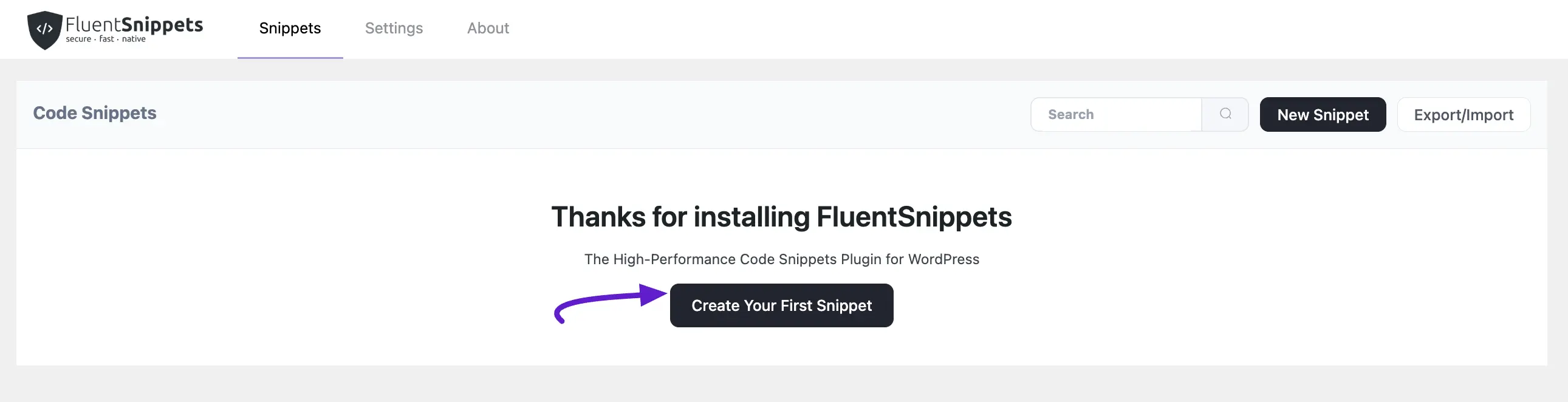
After that navigate the Fluentsnippets and click Create Your First Snippet or New Snippet.
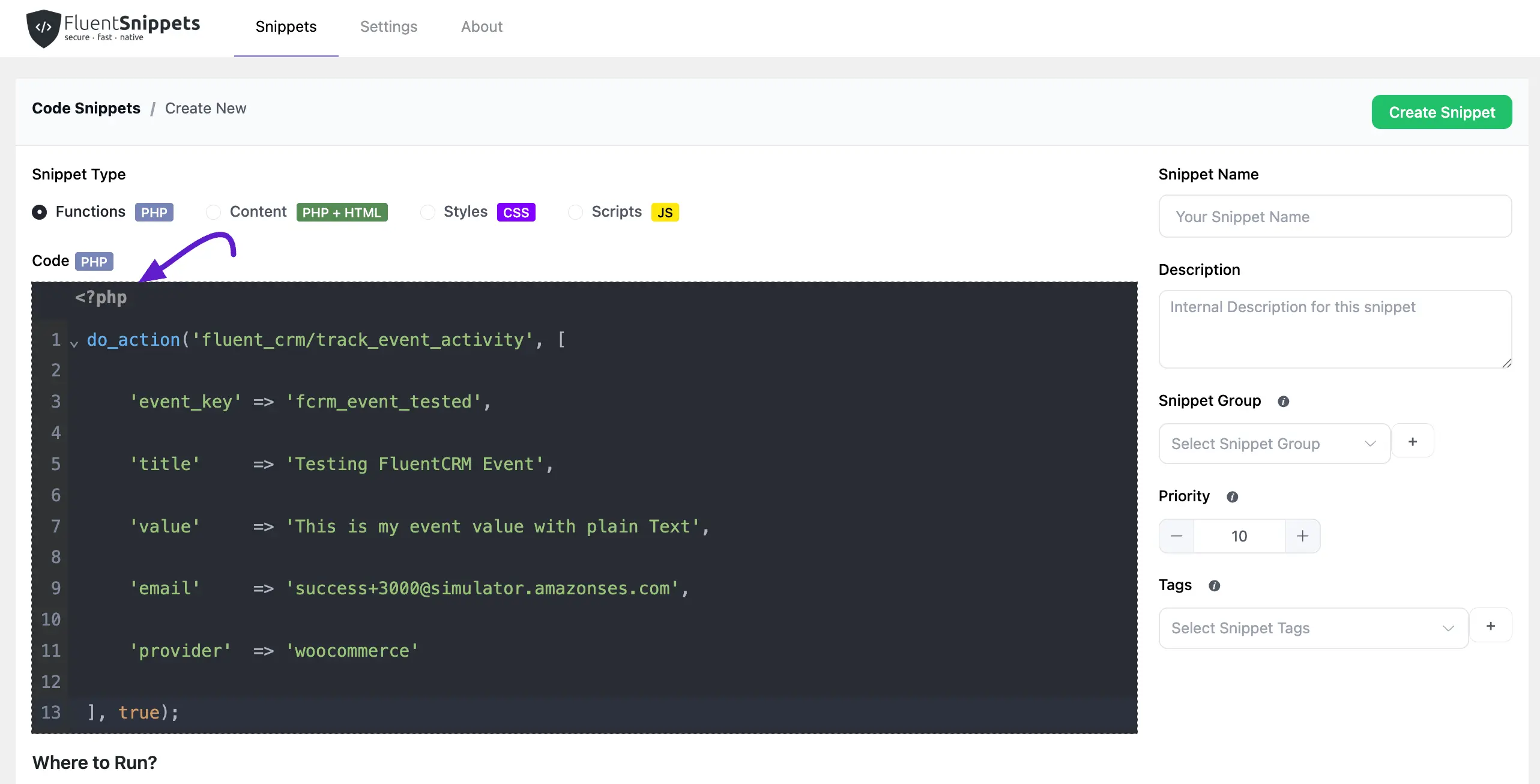
Then copy this code and paste it into your Snippets Php code section image below.
do_action('fluent_crm/track_event_activity', [
    'event_key' => 'fcrm_event_tested',
    'title'     => 'Testing FluentCRM Event',
    'value'     => 'This is my event value with plain Text',
    'email'     => 'success+3000@simulator.amazonses.com',
    'provider'  => 'woocommerce'
], true);
Here change your event key, title, value, email, and provider name as you want. Then activate this snippet.
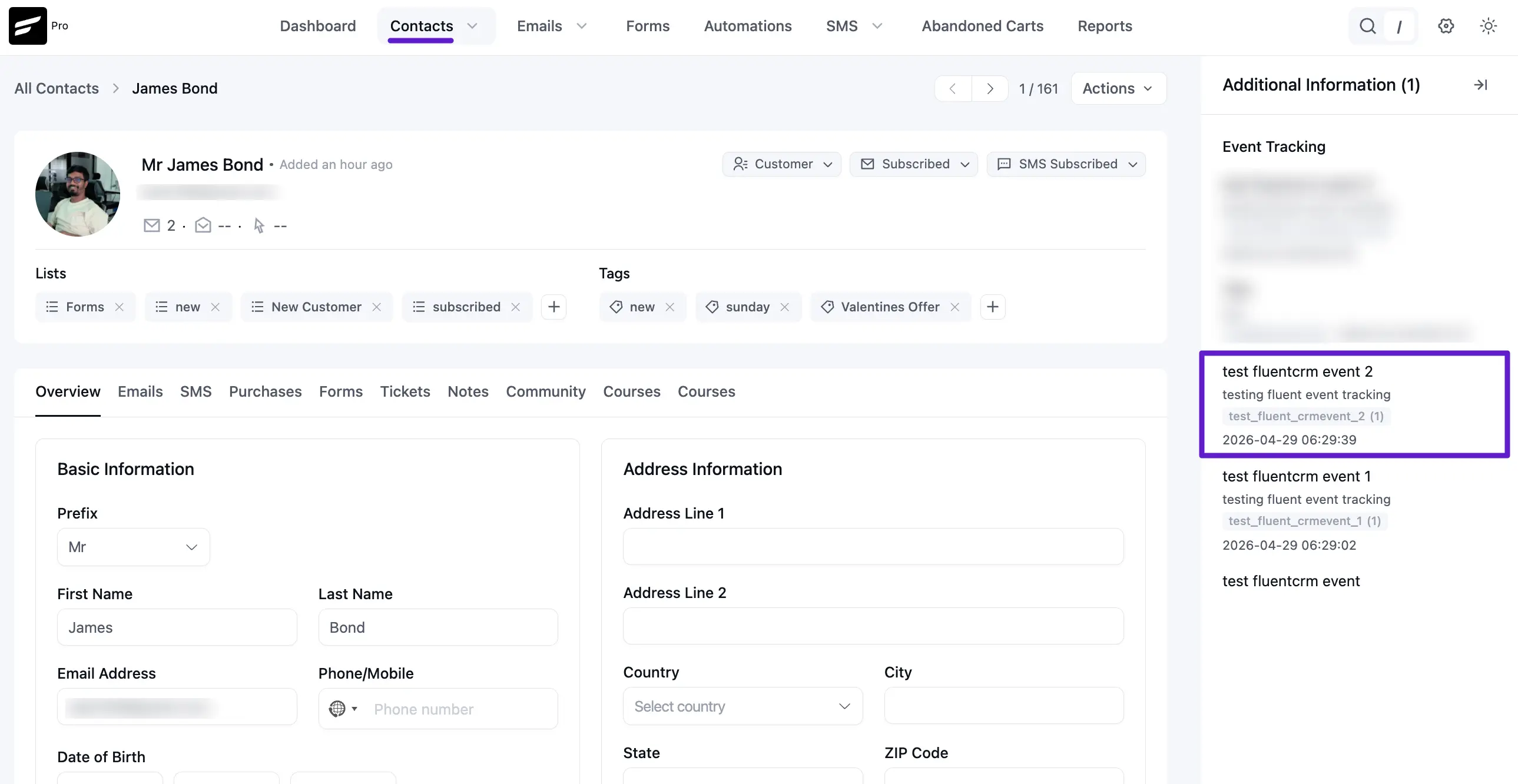
Now to see your event tracked go to FluentCRM contact.
Get events of a single contact
If you want to see the event tracking of a single contact, let's see how you can do that.
API: https://your-domain.com/wp-json/fluent-crm/v2/subscribers/{ID}/tracking-events
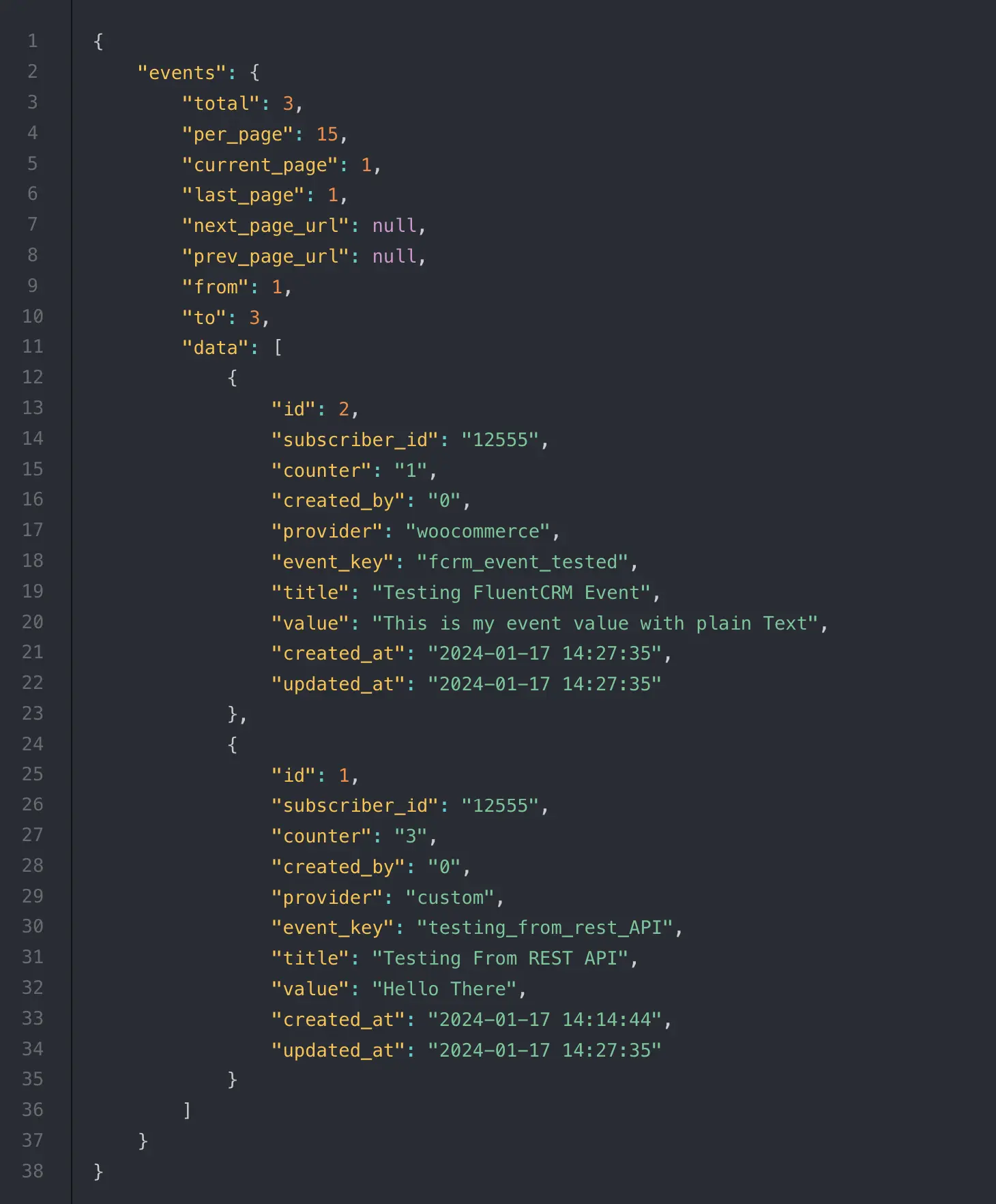
Then You will get a response like this: