
Appearance
Integration Settings
Using the deep integration settings, FluentCRM can sync data from third-party plugins into your CRM and (where supported) push CRM activity back into them. While syncing the data, you can also assign Lists and Tags to the contacts so your audience is segmented automatically as new customers, students, members, or community members arrive.
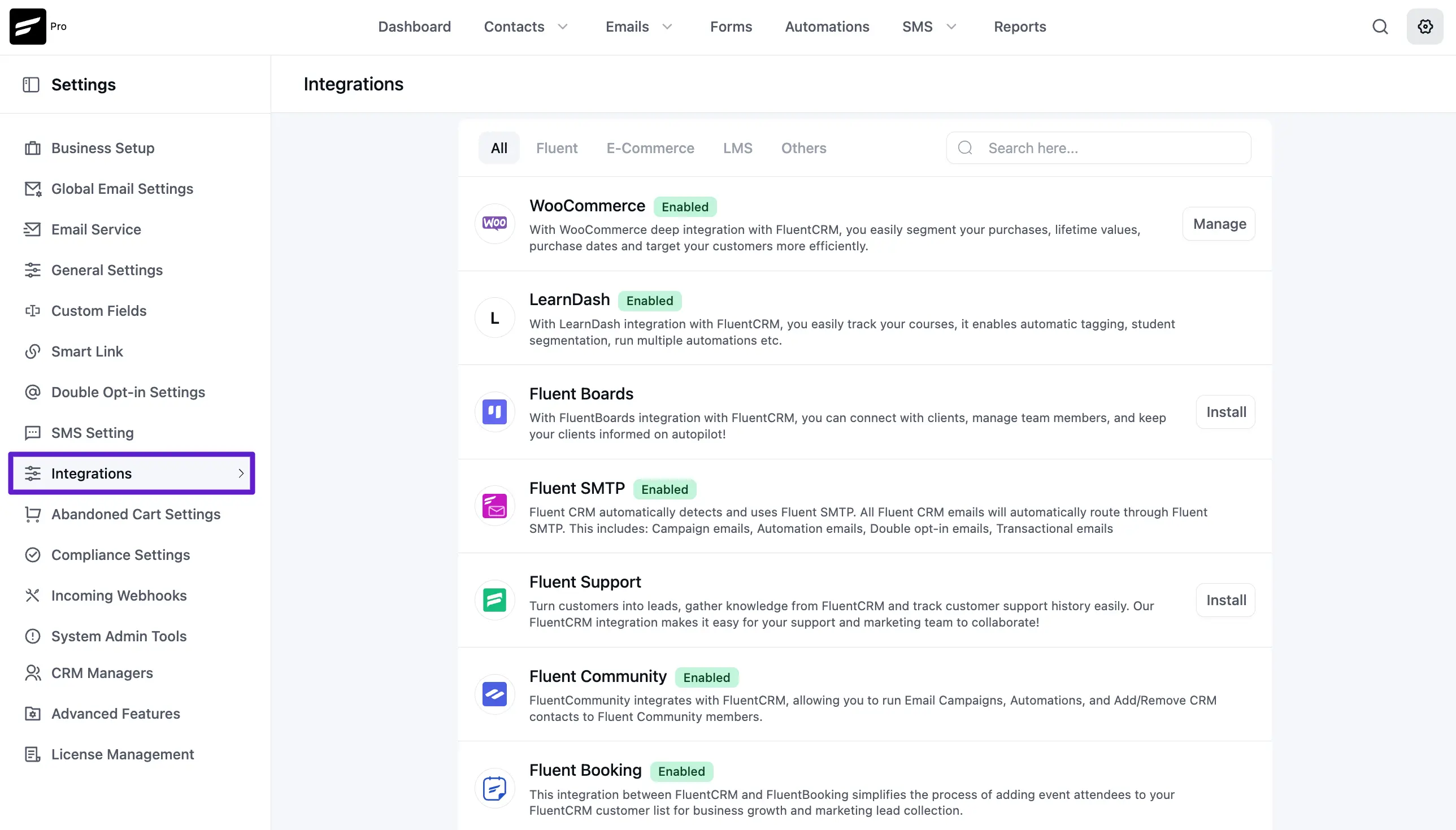
The relevant product/plugin-specific integration settings are documented below:
Ecommerce:
- WooCommerce
- Easy Digital Downloads
- FluentCart
- SureCart (Pro)
Learning Management Systems:
- LifterLMS
- LearnDash
- TutorLMS (Pro)
- LearnPress (Pro)
Membership Integrations:
- Paid Memberships Pro
- MemberPress
- Wishlist Member (Pro)
- Restrict Content Pro
Community & Productivity:
- FluentCommunity
- FluentBoards (new)
- FluentSupport (new)
- FluentBooking
- BuddyPress / BuddyBoss (Pro)
- Fluent Affiliate
- AffiliateWP (Pro)
WordPress Automations:
Form Integrations:
- Fluent Forms
- Elementor Pro Form (Pro)
- Divi Bloom
- ThriveArchitect
Page Builders:
- Thrive Themes
- Elementor Page Builder
- Default Gutenberg Editor & Conditional Blocks
- Oxygen Builder
- Beaver Builder (Pro)
Note: Integrations marked (Pro) require FluentCRM Pro. Free integrations are included in the core plugin and load automatically once both plugins are active.