
Appearance
Email Service (SMTP & Bounce Handlers)
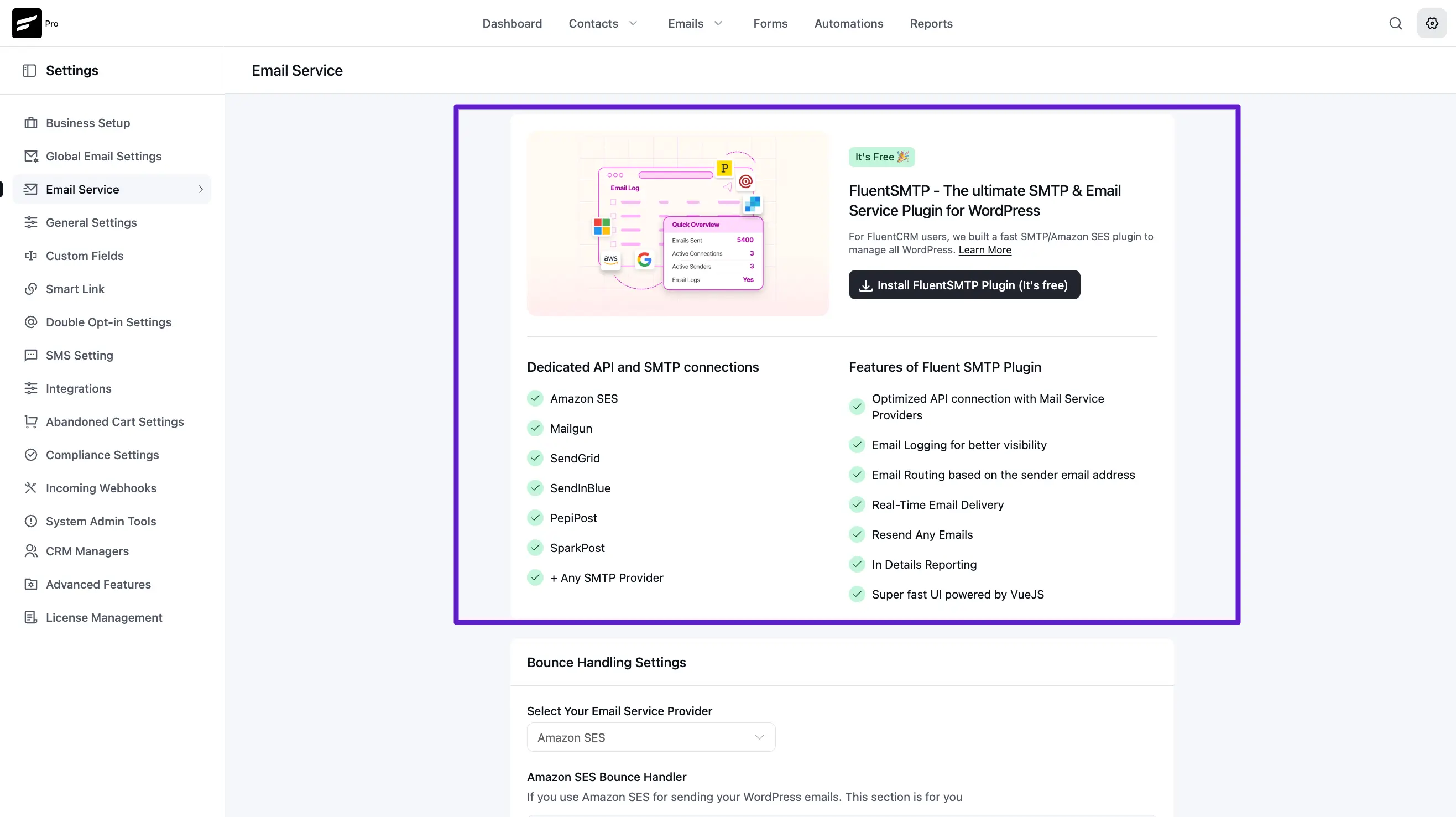
FluentCRM uses the wp_mail() function to broadcast all the emails that are PHP-based mailers. There are various ways to deliver emails from WordPress. The SMTP Protocol, API-based 3rd party delivery providers, and direct PHP-based sending require SMTP Port 25 to be opened from the WordPress hosting server. Below is a screenshot of when no SMTP plugins are used on the website.
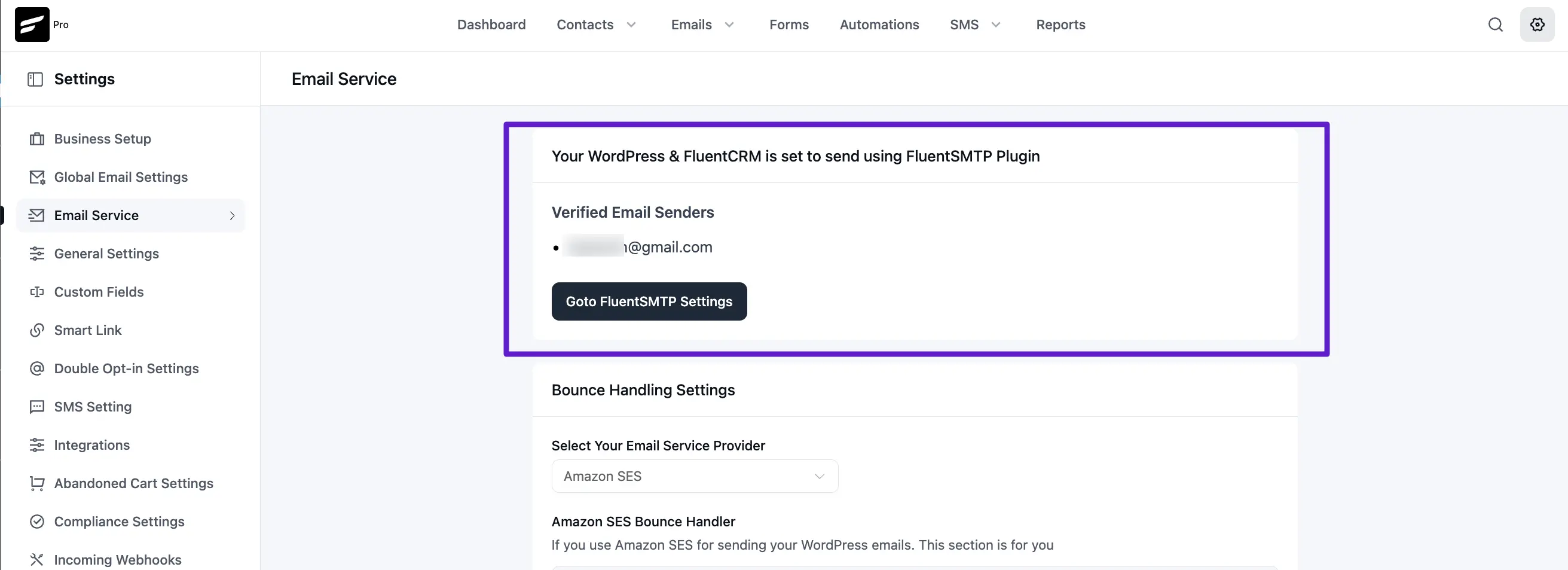
SMTP Plugins like FluentSMTP improves your WordPress mail by intercepting the wp_mail and then connecting with your email service providers to ensure deliverability. It allows sending emails directly via SMTP. API-based providers like Google Workplace, Office365, Sendgrid, AWS SES, etc. When you install the FluentSMTP plugin on your website and configure email delivery connections you will see them listed in the FluentCRM SMTP Dashboard like the below screenshot.
FluentSMTP Settings
Bounce Handlers
Bounce handlers allow you to manage bounced contacts without manual intervention. Generally, all your bounced emails are only reported within the service platform you're using however, the ideal way to deal with bounced emails is to sync them with FluentCRM. This is why we recommend setting up bounce handlers.
To configure Bounce Handlers for available services please check each relevant documentation:
- Amazon SES
- Mailgun
- SendGrid
- Pepipost
- PostMark
- Sparkpost
- SendGrid
- Elastic Email
- Postal Server
- SMTP2Go
- Brevo (ex Sendinblue)
NOTE
We are constantly working to expand this list. If your provider isn't listed, keep an eye out for future updates.
For now, we only have these services integrated with our bounce handling system. More will be added in the future.