
Appearance
Email Delivery of FluentCRM
FluentCRM is a powerful Email Marketing and Automation tool designed to help you launch high-impact Email Campaigns, Email Sequences, and Email Automations. To ensure high deliverability and protect your server resources, we strongly recommend using a dedicated email service provider rather than your local hosting space.
FluentSMTP: The Recommended Delivery Engine
To relay your emails reliably, you need an SMTP plugin. We created FluentSMTP, a free-for-lifetime plugin that handles all your WordPress email delivery needs.
For more about FluentSMTP, Configurations, and features please check the relevant documentation: Install and Activate FluentSMTP, Configurable Email Delivery Providers, and Introduction to FluentSMTP Dashboard
Click the button to install FluentSMTP. Or, you can download and install FluentSMTP on your WordPress by clicking the button below:
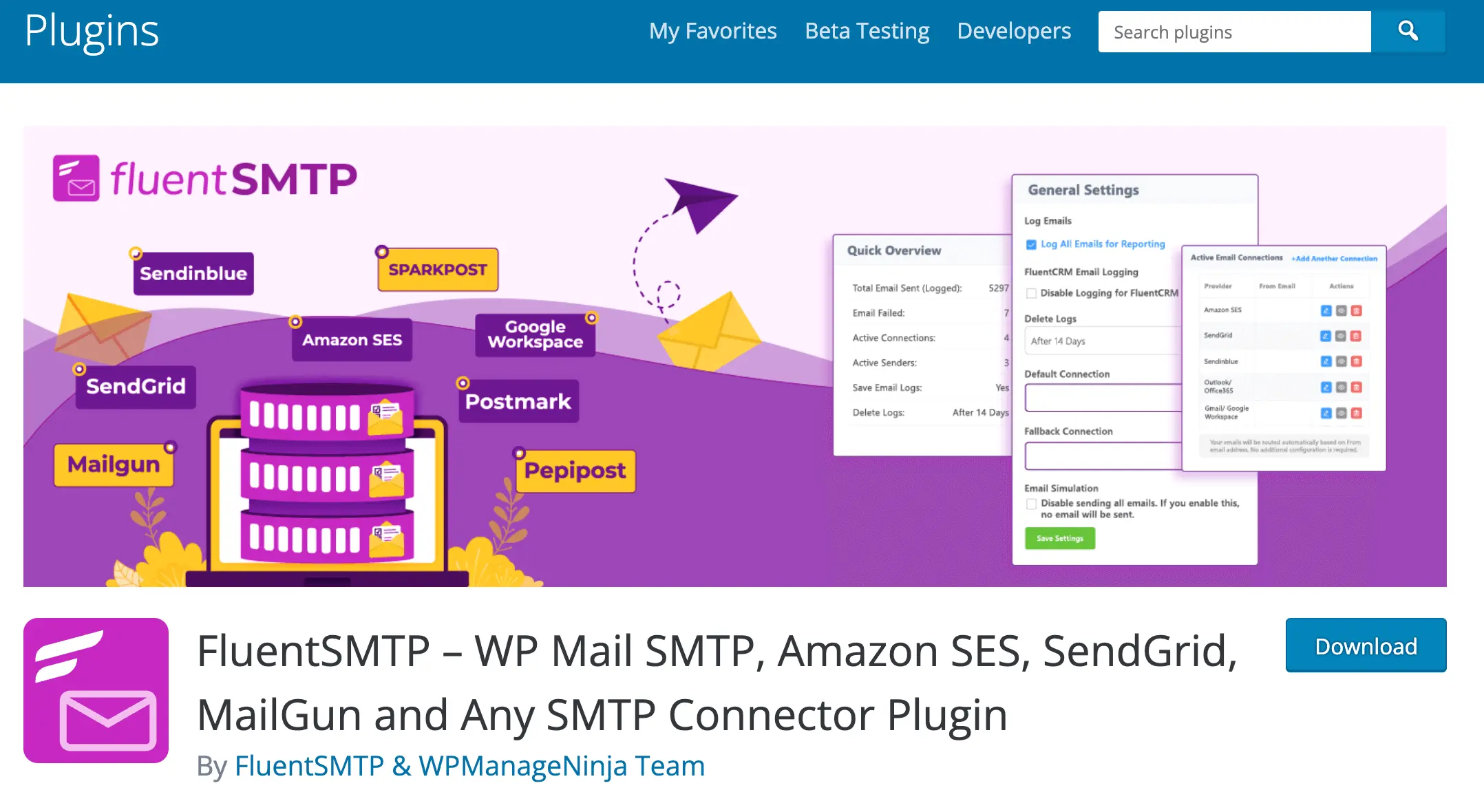
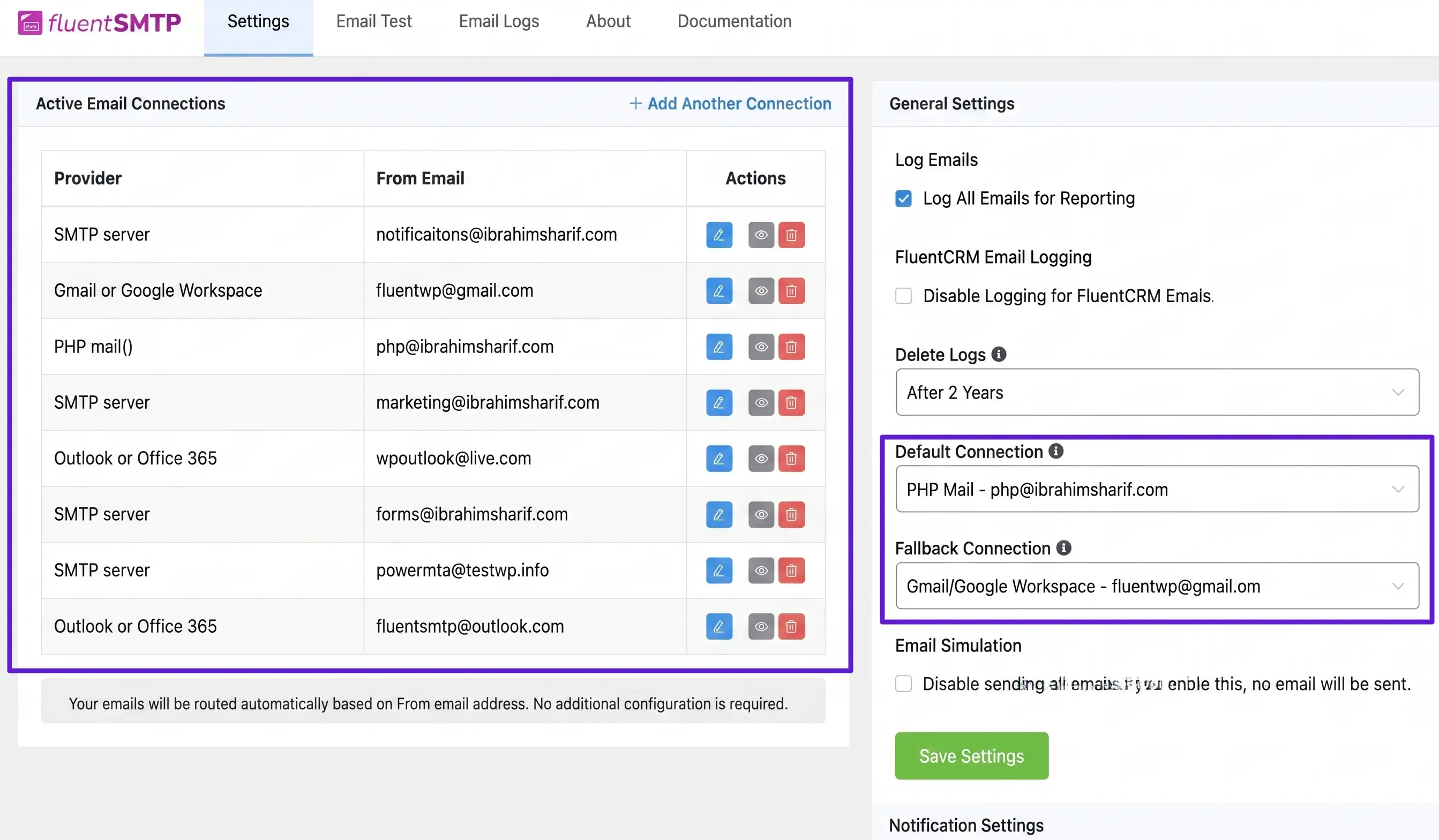
Multiple Connections & Auto Routing: FluentSMTP is the only plugin that allows you to configure Multiple Email Connections simultaneously.
Cost Optimization: You can route high-priority marketing emails through premium providers while using more affordable services for standard WordPress notifications.
Native API Integrations: Configure major providers natively via API-based connections. Below are the list of all configuring delivery providers:
Fallback Support: You can set a Default Connection and a Fallback Connection to ensure that if one provider fails, your emails are still delivered through a secondary route.
FluentCRM Email Processing
There are different places from where Emails can be sent such as Test Emails from Email Templates, Email Campaigns, Email Sequences, Automation Email Actions, Double Opt-in Settings, and Recurring Campaigns.
FluentCRM generates and schedules emails from various points, including Campaigns, Sequences, and Automations. Once triggered, the system starts a background task to generate unique content and headers for each subscriber.
Scheduling Options
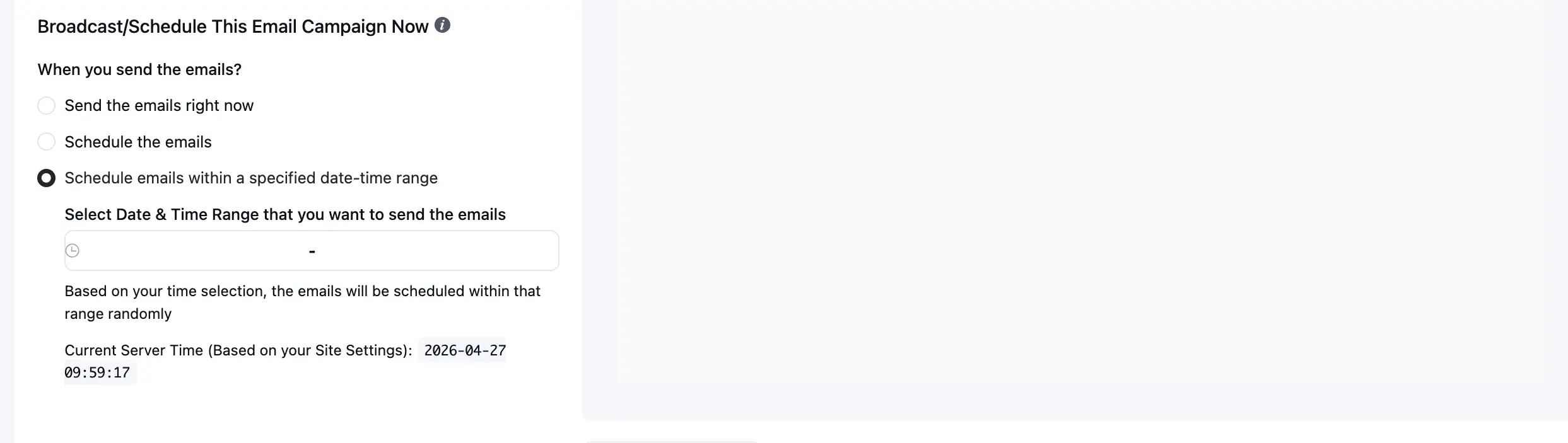
- Send the emails right now: Emails begin processing immediately upon campaign confirmation.
- Schedule the emails: Set a specific future date and time for delivery.
- Schedule within a date-time range: Distribute your email processing randomly within a specified window to avoid sudden spikes in sending volume.
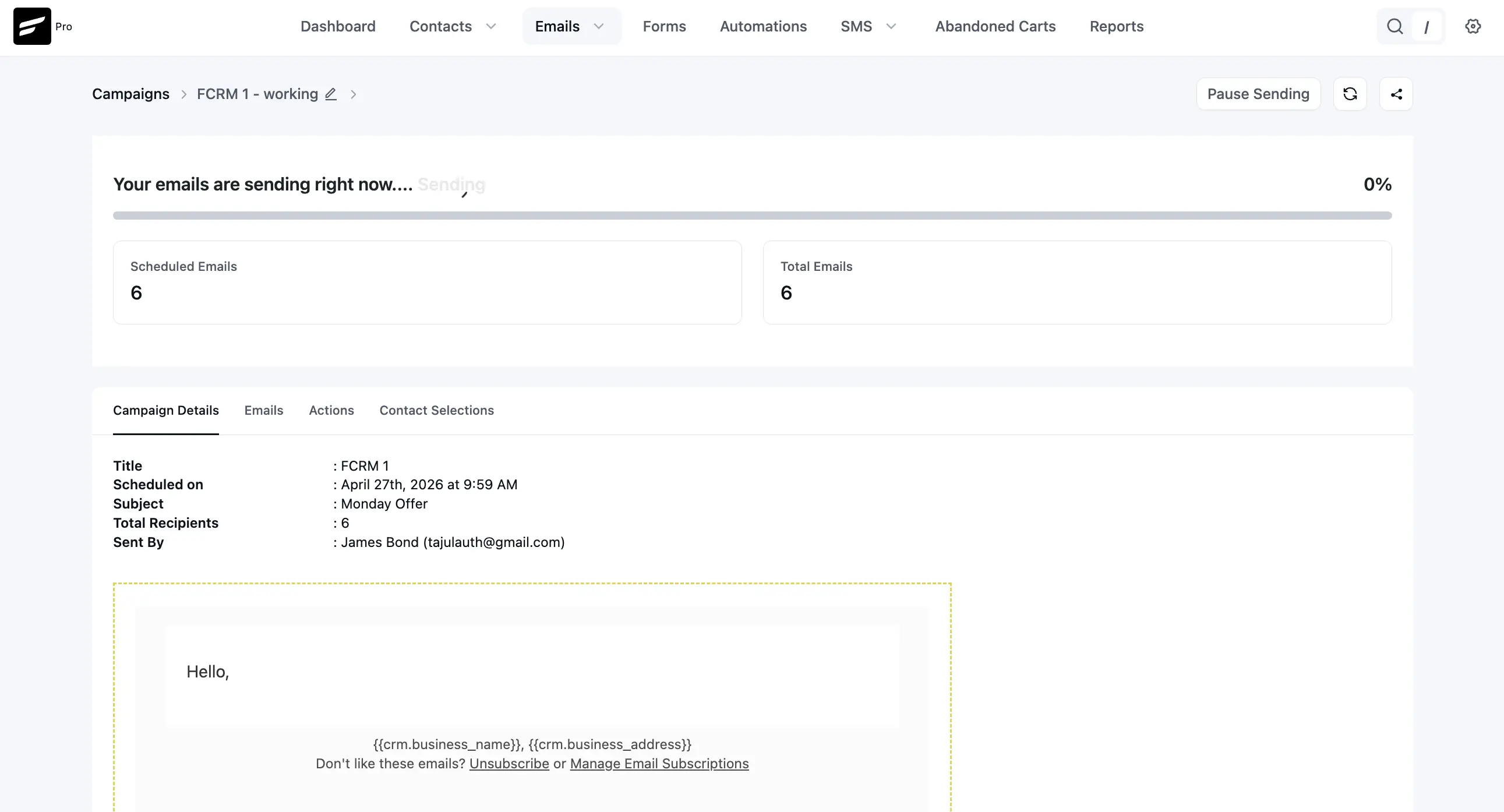
You can monitor live progress via the Email Processing screen, which displays the percentage of completion, total recipients, and scheduled count.
The next step is to deliver the emails. It can be delivered through wp_mail() directly or if you have a plugin like FluentSMTP. FluentSMTP takes emails from FluentCRM and then relays them to the Email Delivery Provider you configure in settings and used from FluentCRM.
Below is a screenshot of an Email campaign while sending a campaign. Please check the above links for specific features.
Advanced Scheduling and Automation
Beyond standard campaigns, FluentCRM offers sophisticated timing controls within your workflows.
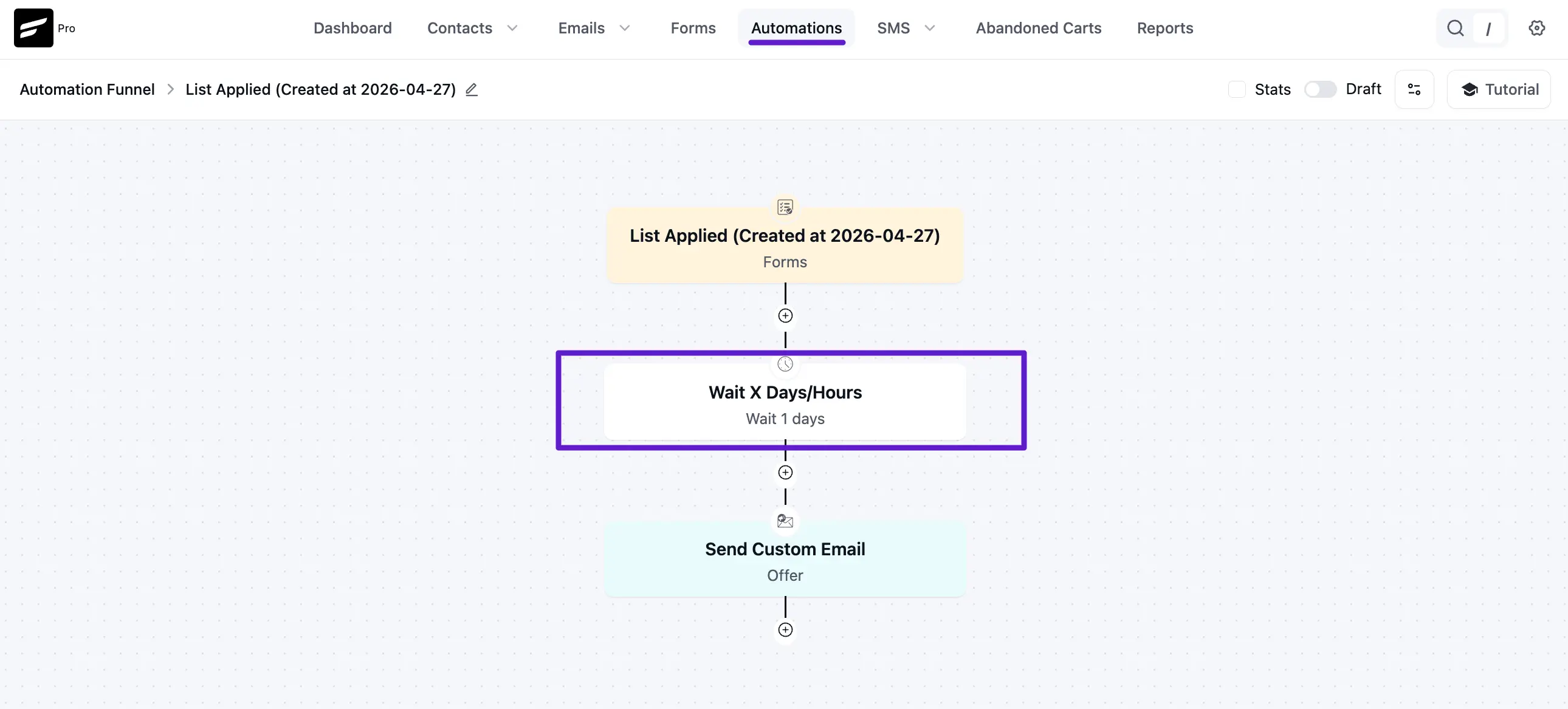
- Wait X Days/Hours: Within an Automation Funnel, you can insert a "Wait" block between actions. For example, you can set a funnel to wait 1 day after a user joins a list before sending a follow-up offer.
- Community Triggers: Launch automations based on specific member actions like Joined in a Space, Lesson Completed, or User Level Upgraded.
- Targeted Actions: Automatically manage memberships by adding users to spaces, enrolling them in courses, or awarding badges as they progress through your funnel.
System Health & Cron Status
To keep everything running smoothly, FluentCRM relies on a Cron system that runs at intervals of 60 seconds, 5 minutes, and 60 minutes. This ensures your scheduled tasks and automation triggers are processed precisely.